The JSON workbench.
Open any JSON instantly — even a multi-gigabyte file. See it five ways, generate types for ten languages, compare, repair, and export — all in one fast, native, offline app. Free and open source.
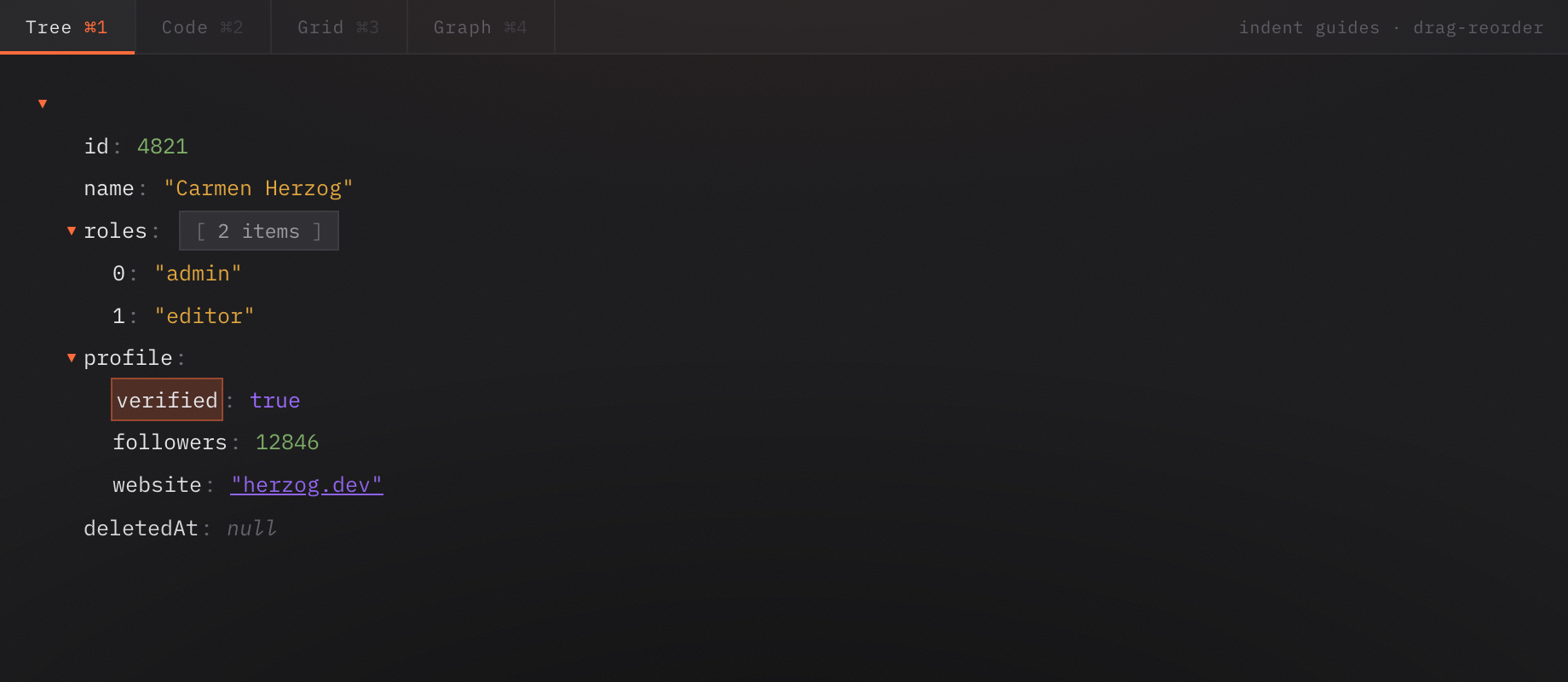
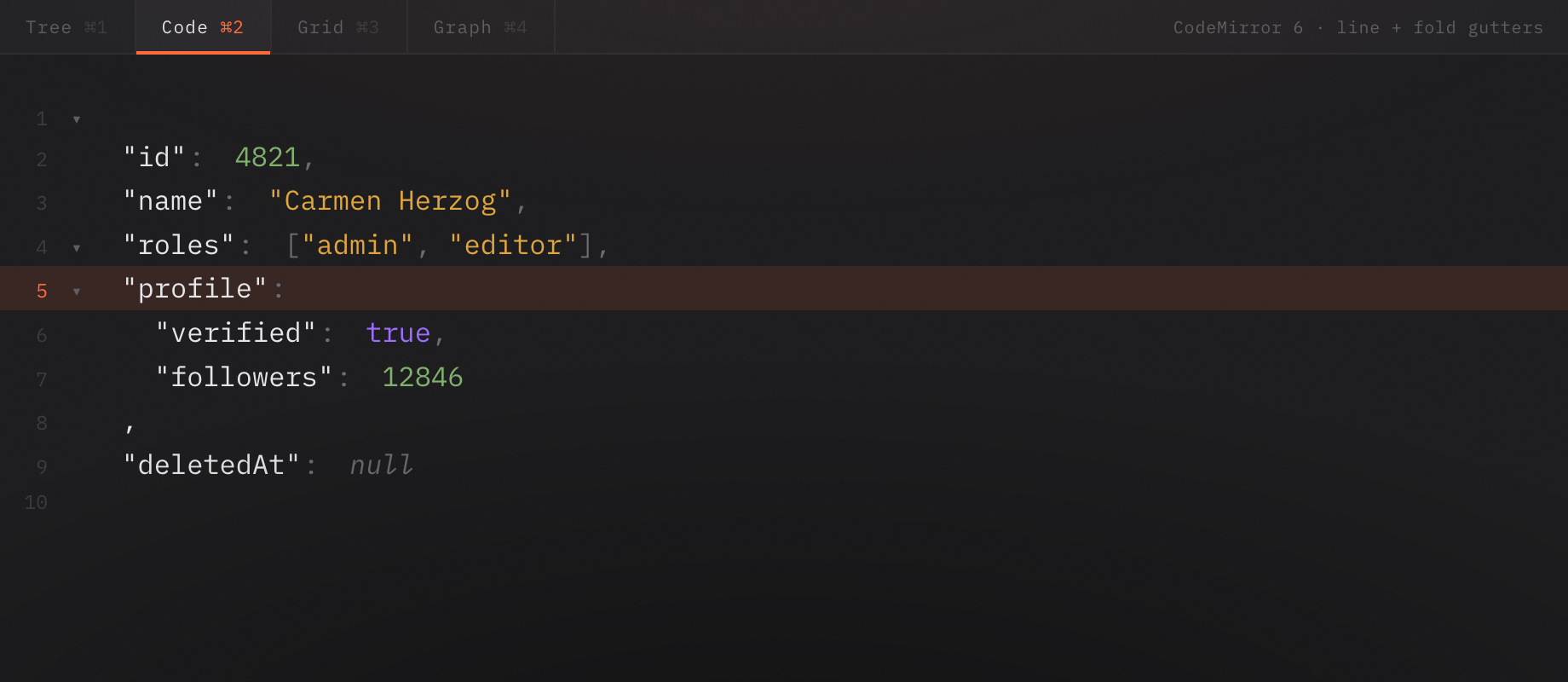
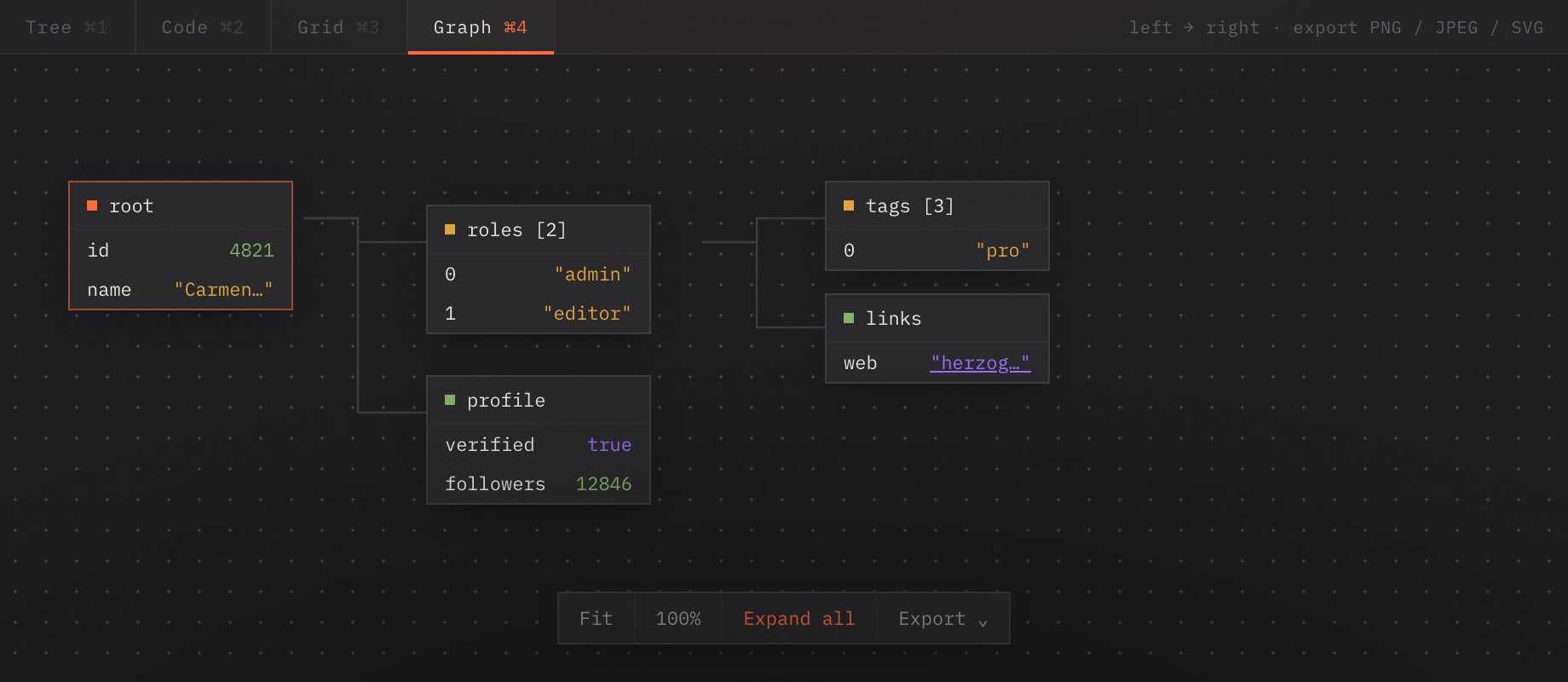
One document, five ways to read it.
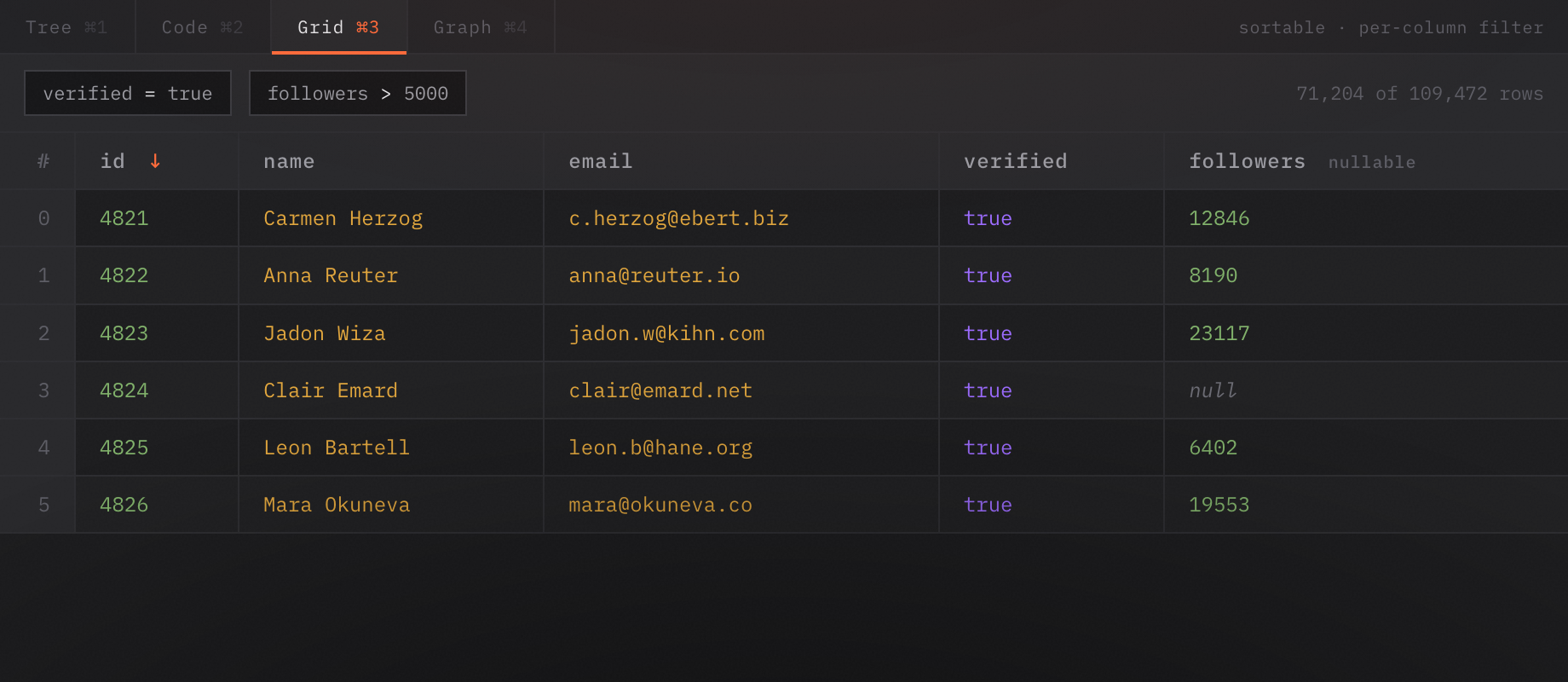
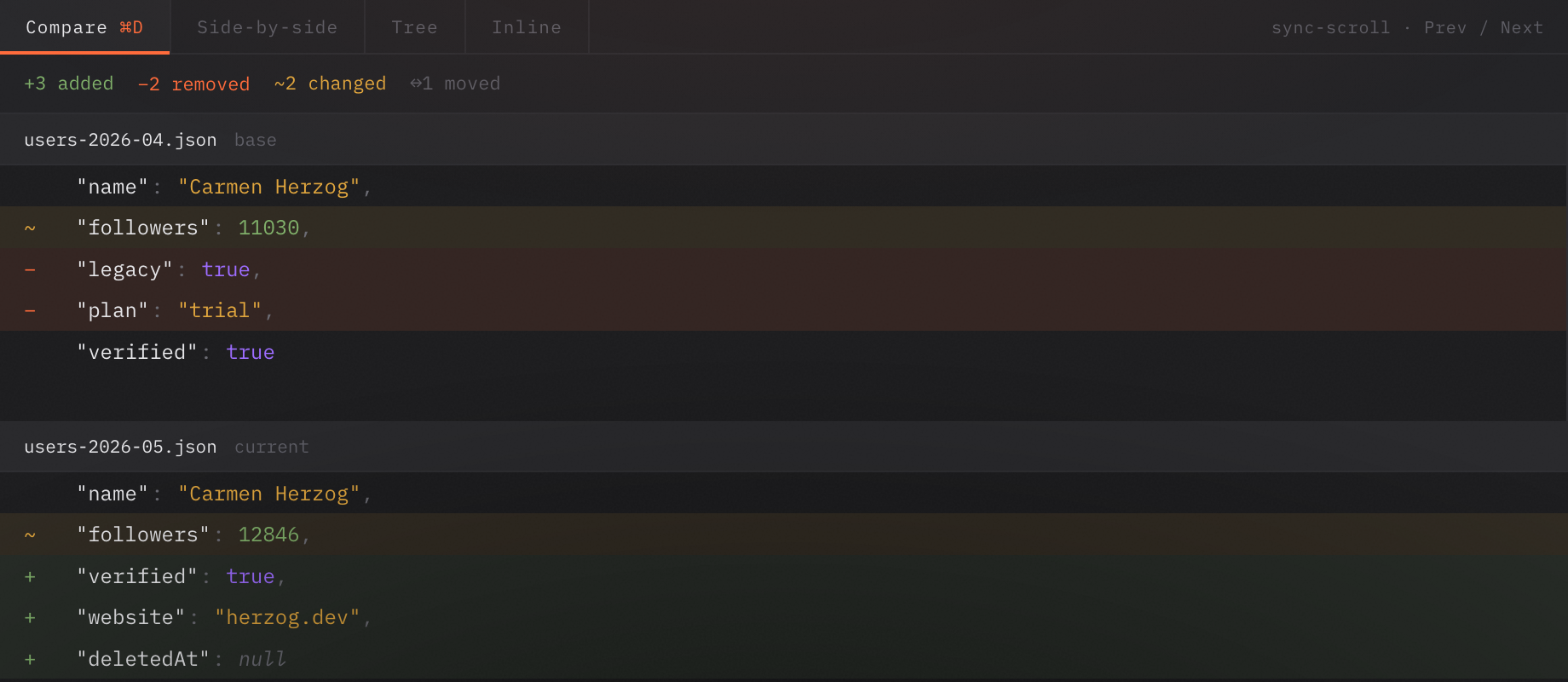
The same JSON as a tree, raw code, a spreadsheet, a node graph, or a diff — switch instantly with ⌘1–⌘4. The product window stays exactly as it ships.
| # | id ↓ | name | verified | followers nullable | |
|---|---|---|---|---|---|
| 0 | 4821 | Carmen Herzog | c.herzog@ebert.biz | true | 12846 |
| 1 | 4822 | Anna Reuter | anna@reuter.io | true | 8190 |
| 2 | 4823 | Jadon Wiza | jadon.w@kihn.com | true | 23117 |
| 3 | 4824 | Clair Emard | clair@emard.net | true | null |
| 4 | 4825 | Leon Bartell | leon.b@hane.org | true | 6402 |
| 5 | 4826 | Mara Okuneva | mara@okuneva.co | true | 19553 |
A workbench, not a viewer.
Everything you reach for when JSON gets real — import, generate, compare, repair, validate. Pick one to see it in action.
/age expected integer, got string/email must match format "email"/role not one of [admin, editor, viewer]Open it. See it. Shape it. Ship it.
Four steps, no ceremony between them. From a file on disk to clean output, in one window.
Open
Drag in a file, paste, or fetch a URL. It loads instantly — no spinner, no upload.
Navigate
Tree, code, grid, graph — virtualized so it stays smooth. The status bar tracks your path.
Transform
Edit, sort keys, repair, filter the grid, or generate types. Every change is reversible.
Export
Out to JSON, YAML, XML, CSV — or generated types for your codebase.
Most editors choke at a few hundred megabytes. Pandia opens files of any size — hundreds of MB, multiple GB — without parsing the whole tree: lazy zero-copy slicing engages at ≥ 10 MB (backed by sonic-rs) and the UI only ever fetches the slice on screen.
You scroll, search, and navigate instantly — there's no cap on opening or viewing. Only whole-document edit, export and validate materialize the root (a 200 MB ceiling).
Native, private, and yours to keep.
No accounts, no cloud, no telemetry. A small native binary that respects your machine and your data.
Offline & private
All processing is local. The only network call is a URL fetch you start yourself.
Native & fast
Built on Rust + Tauri 2. A small binary that starts instantly and stays out of the way.
Cross-platform
One workbench for macOS, Windows and Linux — the same views, the same shortcuts.
Make it yours
19 themes, density options, and 12+ code fonts. Light or dark, your way.
Forgiving
Per-tab undo / redo with exact inverses, plus crash recovery from auto-saved backups.
Free & open source
Apache-2.0. Read the code, file an issue, or build it yourself. No tiers, ever.
The honest answers.
≥ 10 MB, lazy zero-copy slicing (via sonic-rs) opens the file without parsing the whole tree, and the UI only fetches what's on screen — so there's no cap on opening or viewing. Only whole-document edit, export and validation materialize the root (a ~200 MB ceiling).JSON, YAML, XML, CSV and cURL, or fetch from a URL. Export documents as JSON, JSON-min, YAML, CSV or XML, and graph images as PNG, JPEG or SVG. (CSV export needs a root array of objects.)TypeScript, Rust, Go, Kotlin, Python, PHP, Java, Dart, Zod and JSON Schema (2020-12). Optional fields are inferred from the data; generation is deliberately not configurable.Apache-2.0. There are no paid tiers and no plans for any. The source lives at github.com/hendurhance/pandia.Stop fighting your JSON.
Download the native app, open your biggest file, and get to work. Free, offline, and open source.